Infinity X 4.1
on your desktop.
An x86_64 Android 17 system image of Project Infinity X for the Android Emulator. Test apps, themes and UI features in seconds instead of flashing a phone.
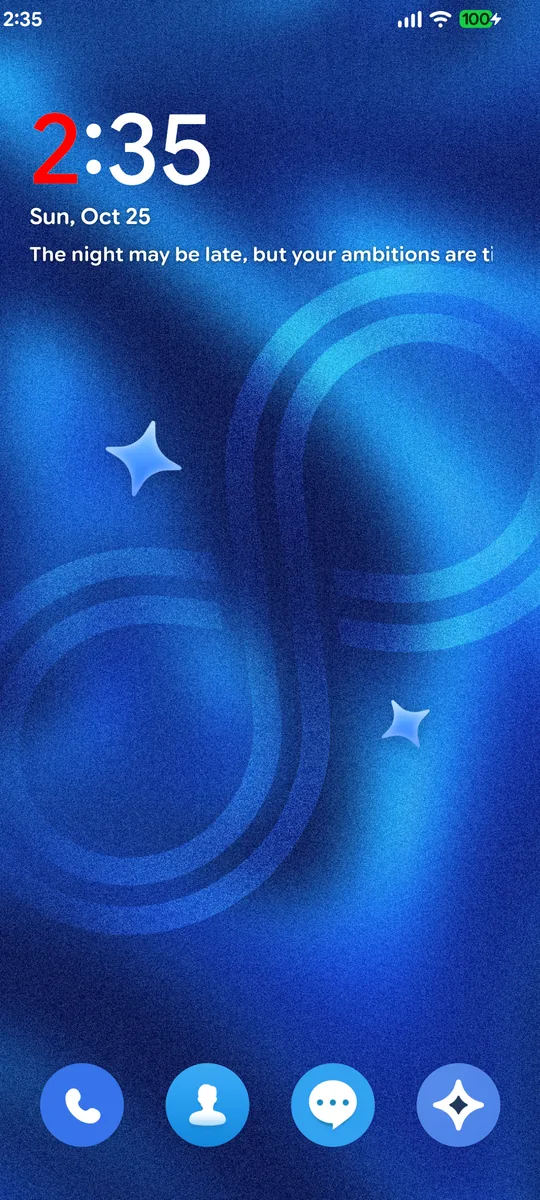
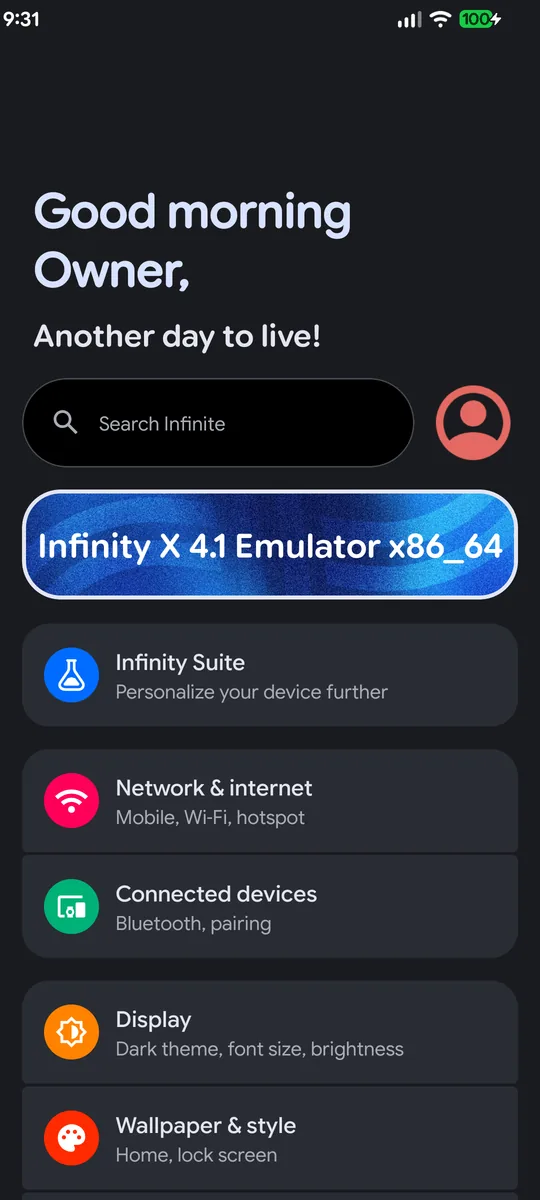
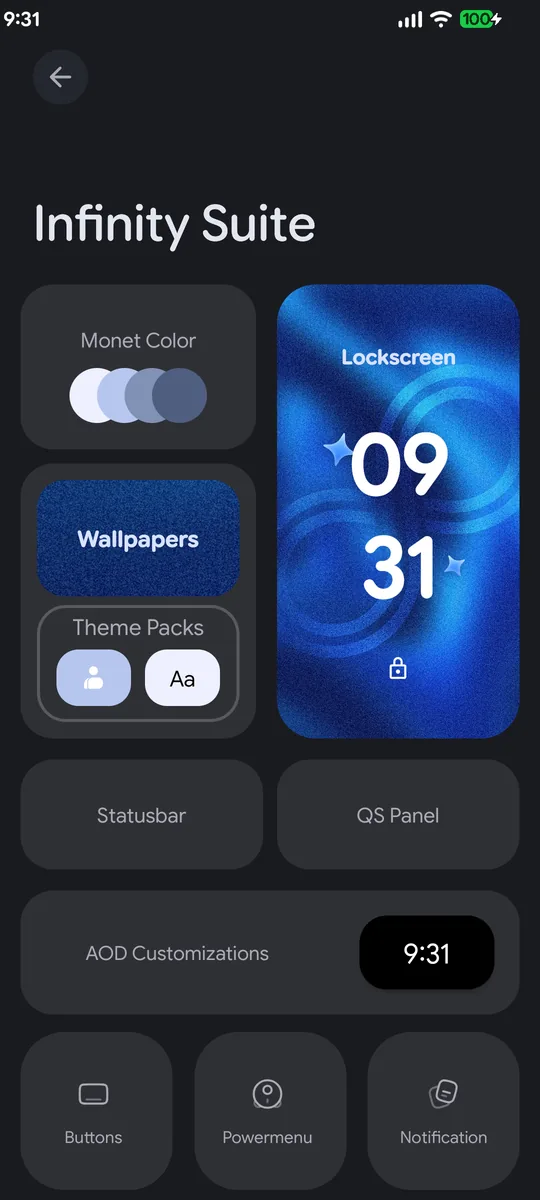
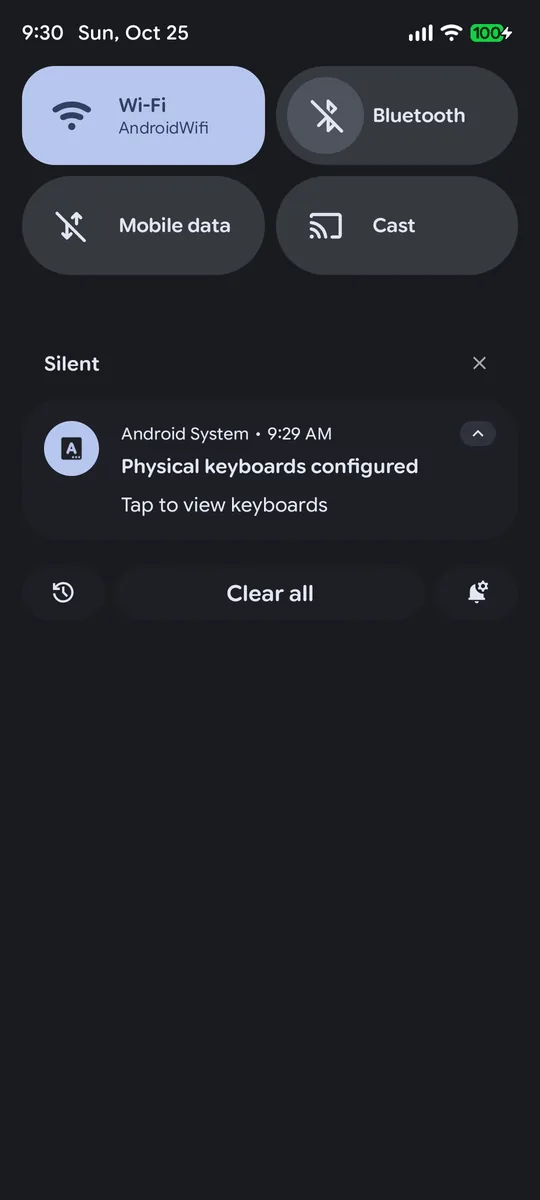
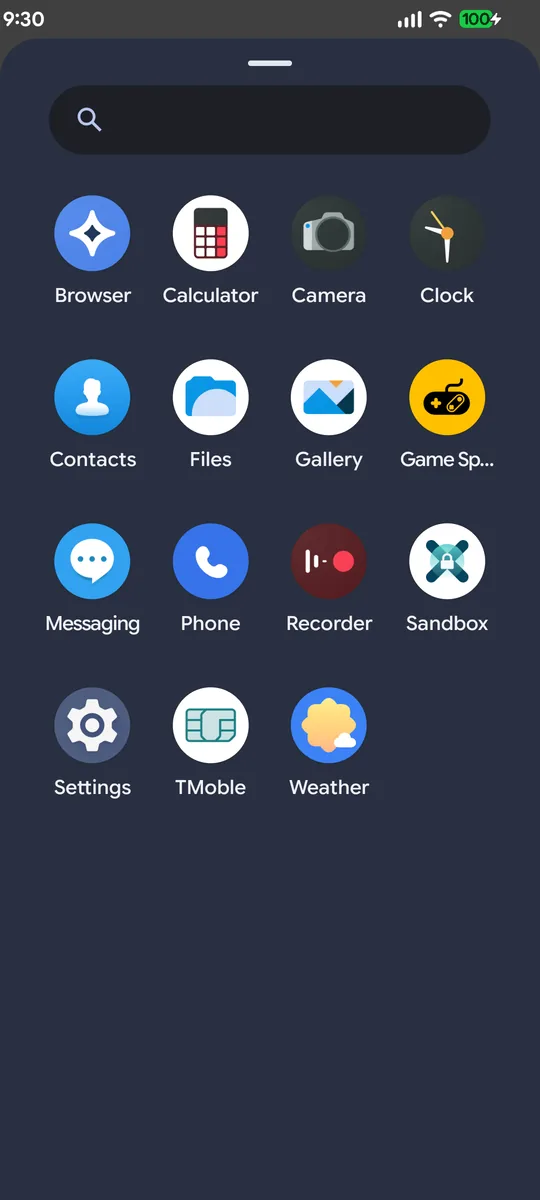
Real screenshots
Captured from this exact image in the Android Emulator, with nothing edited.
What it's good for
Anything that lives in the framework, SystemUI, Settings or launcher.
Themes & overlays
Infinity Suite, Monet, QS styles, lockscreen clocks, icon packs and fonts, all working.
Freeform & sidebar
Test how your app behaves in floating windows and the sidebar without a device.
Fingerprint flows
Ten virtual fingers in the emulator's extended controls, useful for per-finger logic.
App compatibility
Check your app on Android 17 with a custom-ROM framework before your users do.
ROM development
Reproduce SystemUI or Settings bugs and test patches, with adb, logcat and a userdebug build.
Fast iteration
Cold boot in about a minute on a laptop, with no unlocking, flashing or bricking risk.
Install
x86_64 host with hardware virtualization (KVM / HVF / WHPX), Android SDK with Emulator 36+, zstd, 8 GB RAM and ~10 GB free disk. Apple Silicon Macs can't run x86_64 images.
Download the image
Grab InfinityX-4.1-UNOFFICIAL-emulator-x86_64-20261024.tar.zst from the latest release.
Run the installer (Linux / Intel macOS)
It checks the SHA‑256, extracts the image into your SDK and creates an AVD named InfinityX.
git clone https://github.com/Necta14/infinityx-emulator-x86_64-unofficial cd infinityx-emulator-x86_64-unofficial ./scripts/install.sh ~/Downloads/InfinityX-4.1-UNOFFICIAL-emulator-x86_64-20261024.tar.zst
Start it
$ANDROID_SDK_ROOT/emulator/emulator -avd InfinityX
Windows (untested): extract with a Zstandard-capable tool into …\Sdk\system-images\android-37\infinityx\ and create the AVD files shown in install.sh.
Tips
Small things that save time.
| Black screen / artifacts | Start with -gpu host, or -gpu swiftshader_indirect as a fallback. |
| Start clean | -wipe-data resets the AVD; -no-snapshot forces a cold boot. |
| Fingerprints | Extended controls (…) → Fingerprint: enroll several fingers and touch the virtual sensor. |
| Root shell | userdebug build, so try adb root first. |
| No setup wizard | Normal for a vanilla build. It boots straight into the launcher. |
| Performance | Give the AVD 4 cores and 4 GB of RAM (the defaults the installer sets), and keep the image on an SSD. |
Works
- Infinity Suite and theming
- Launcher3, QS panel, lockscreen
- Freeform windows and sidebar
- Settings, Game Space, Recorder
- adb, logcat, virtual sensors
Not included / won't work
- Google apps and Play Store (vanilla)
- FaceUnlock (ARM-only libraries)
- Real camera, Dolby, device features
- Official signing keys and OTA
- Running on real phones (emulator only!)
Build it yourself
The upstream emulator target didn't build out of the box. The full story and the five fixes are in BUILD.md.
scripts/apply-fixes.sh /path/to/infinity-x-src source build/envsetup.sh && lunch infinity_sdk_phone_x86_64-userdebug export INFINITY_BUILD=emu64x # avoids duplicate ro.infinity.device m && scripts/pack-emulator-image.sh out/target/product/emu64x ./dist
FAQ
| Is this official? | No. It is an unofficial community build. Please don't ask the Infinity X groups for support with it. |
| Can I flash it on my phone? | No. It is built for the emulator's virtual hardware only. |
| Is it safe? | Built from public sources with the patches published here. Verify the SHA‑256 and inspect the build notes. It is not signed with official keys. |
| Found a bug? | Check it on a real device first. If it only happens here, open an issue in this repo. |
| Kernel source? | See NOTICE.md (Android Common Kernel 6.12.58). |
Unofficial. Please read.
This image is not made, endorsed or supported by the Project Infinity X team, LineageOS or Google. It exists to help developers test apps and features faster. Use it at your own risk and never as a daily driver.
All credit for Infinity X goes to its team and contributors. If you like what you see here, support the official project. "Infinity X" names belong to their owners and are used only to describe what this build is based on.